
Smart door technology has expanded the ways homeowners can control access to their homes and private spaces. Depending on the hardware, a door might use a keypad, smartphone, fingerprint reader or another electronic credential.
For some homeowners, a smart interior door lock makes sense for a home office or guest room. For others, a basic electronic lock with a keypad might cover everything they need.
Before choosing a lock, it helps to understand the available access methods, how the technology connects and what to check on the door itself.
What Is a Smart Interior Door Lock?
A smart interior door lock is an electronic locking system designed to control access to a room without relying solely on a traditional key. Depending on the model, access might be granted with a code, fingerprint, smartphone, smartwatch or another digital credential.
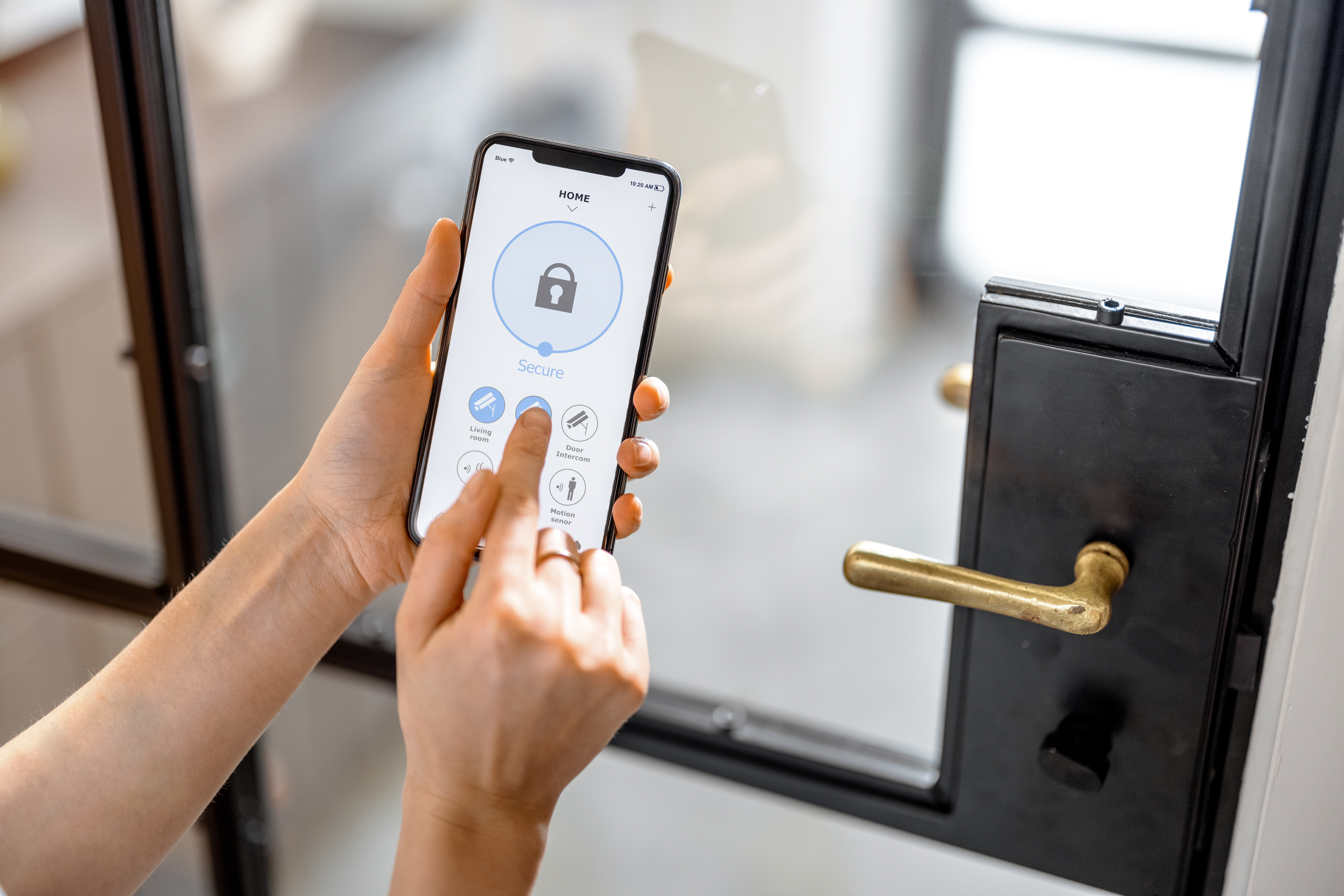
Many smart locks also connect to a phone or smart-home system, giving homeowners additional ways to manage the door. These features might include creating or changing access codes, checking whether the door is locked, receiving notifications or managing access from another location.
Smart locks come in different formats, including deadbolts, levers and other electronic door hardware. The right format depends on the door and how the space will be used.
Choosing the Right Access Method
The access method determines how you’ll enter the room, so consider who uses the door and how they prefer to enter.
- Keypad entry: A practical option for households that share a door or need to give others access without physical keys.
- App control: Lets you manage a compatible lock from your phone and, with connected models, check its status or manage access while you’re away.
- Fingerprint access: Uses biometric identification for keyless entry.
- Phone and smartwatch credentials: Let compatible devices function as digital keys.
- Hands-free unlocking: Uses technologies such as Ultra Wideband, or UWB, to recognize an authorized device as you approach the door.
Different access methods suit different routines. A keypad works well when several people use the same room, while app-based or digital-key access offers additional flexibility for connected households.
| Access Method | How It Works | Good Fit For |
| Keypad | Enter a programmed code | Families, guest rooms and home offices |
| Smartphone App | Manage the lock through an app | Remote access and access management |
| Fingerprint | Uses biometric identification | Frequent users who prefer keyless entry |
| Phone or Smartwatch | Uses a digital credential | Homeowners with compatible devices |
Where Smart Locks Make Sense in the Home
Smart locks tend to fit best in rooms where access needs to be shared, restricted or changed periodically.
Home Offices
A keypad or connected lock gives a home office its own access method without adding another physical key to your routine. Individual codes also work well when more than one person uses the space.
Guest Rooms
Temporary or individual codes give guests access without requiring a spare key. Connected models with code management also allow homeowners to change access when guests come and go.
Bedrooms and Private Spaces
Electronic locks offer another way to control access to bedrooms and other private areas in homes with roommates, extended family or frequent visitors.
Guest Houses and Rental Spaces
Separate living areas often have changing access needs. Individual codes and remote management can make those changes easier to handle, subject to local requirements and the hardware’s intended use.ing fire-rated door, make sure the replacement carries the appropriate certification rather than assuming a similar-looking door offers the same protection.
Do Smart Locks Need Wi-Fi?
A smart lock’s connectivity determines how it communicates with your phone, home network and other connected devices. Some electronic locks operate locally, while others use one or more wireless technologies.
Bluetooth
Bluetooth lets a smartphone communicate directly with a nearby lock. It works well for local control and typically uses less power than a Wi-Fi connection.
For example, Bluetooth could let you use your phone to unlock a compatible lock while you’re standing near the door. Remote access generally requires another connection.
Wi-Fi
Wi-Fi connects the lock to your home’s internet network. Compatible products use that connection for features such as remote access, notifications and app-based management.
Wi-Fi is particularly useful when you want to manage or monitor the lock while you’re away from home.
Matter
Matter is a smart-home communication standard. It gives compatible devices a common way to communicate with supported smart-home platforms, including products made by different manufacturers.
Matter works across several connection types, including Wi-Fi, Ethernet and Thread. It describes how compatible devices communicate rather than serving as the wireless network itself.
Thread
Thread is a low-power wireless networking technology designed for smart-home devices. It creates a mesh network in which compatible devices communicate with one another across the network.
Locks and sensors are well suited to Thread because the technology is designed for low-power devices. A Thread-based lock typically requires compatible equipment within the smart-home system to communicate with other devices.
A homeowner who only wants keyless entry might not need a connected lock at all. A keypad that operates locally could cover those needs.
Make Sure Your Smart Lock Fits the Door
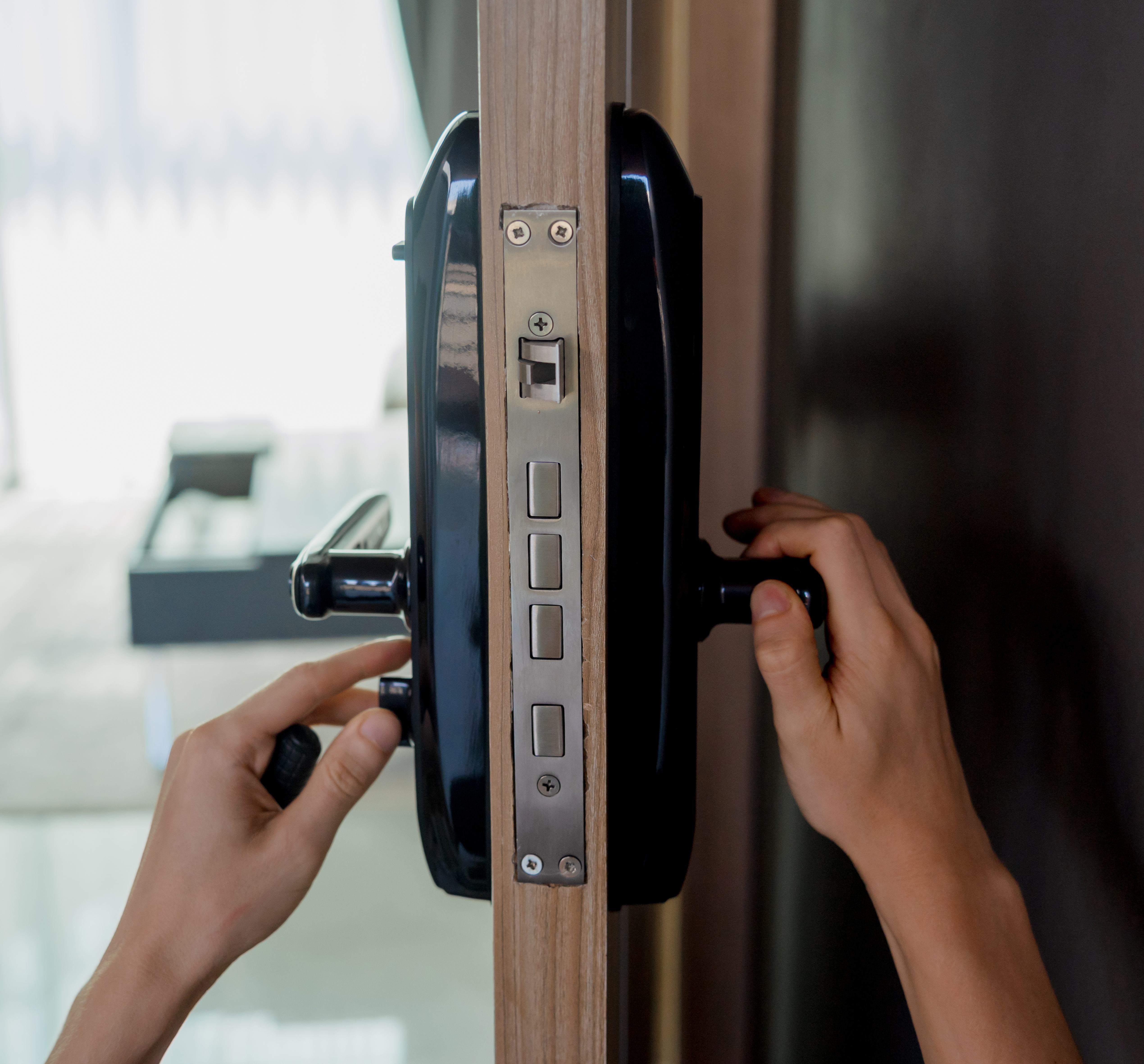
A smart lock needs to match the door’s physical construction and existing hardware. Before ordering, check:
- Door type: Deadbolts, electronic levers and privacy hardware are designed for different door configurations.
- Door measurements: Confirm the door thickness, backset and other dimensions listed in the lock’s specifications.
- Existing hardware: Determine whether the new lock replaces the current hardware or uses part of the existing setup.
- Door and frame condition: Check that the door closes properly and the frame is in good condition before installing new hardware.
- Interior or exterior use: Hardware designed for an exterior entry door may have different requirements from a lock intended for an interior room.
- New door or existing door: A smart lock designed to retrofit an existing opening may have different installation requirements from hardware selected for a new door. If you’re ordering custom doors, discuss the lock specifications before production to make sure the door is prepared for the selected hardware.
Think About Battery Life and Backup Access
Electronic hardware needs a reliable power source and a backup method for situations when the primary access system isn’t available.
Before choosing a lock, check:
- How low-battery warnings work
- Whether the lock uses replaceable or rechargeable batteries
- Whether there is a physical-key backup
- Whether emergency power is available
- What functions remain available during a Wi-Fi outage
- How access works if the phone or app isn’t available
Smart locks use different backup methods, so review the manufacturer’s specifications before installation. Keep the backup method accessible and know how to use it before you need it.
Features To Look for in a Smart Lock
Once you’ve chosen an access method, look at the management features that fit how you use the door.
- Temporary access codes: Create codes for guests, service providers or other authorized users for a limited period.
- Scheduled access: Set codes for specific days or time periods for recurring visitors or household routines.
- Auto-lock: Secure the door after a programmed delay when the room should remain locked between uses.
- Activity history: Review locking and unlocking events through the associated app on compatible models.
- Remote access: Manage the lock while you’re away from home when another person needs to enter the space.
- Smart-home integration: Connect compatible hardware with an existing smart-home platform. Matter compatibility is one specification to check when cross-platform integration is important.
Connected locks also require some attention to digital security. Use strong, unique credentials for associated accounts, keep the lock’s software and app updated, and review who has access codes or digital keys.
What About Other Electronic Door Hardware?
Smart locks are one category of electronic door hardware. Other products address different functions and door configurations.
Electronic Levers
Electronic levers and keypad handles suit interior applications where a deadbolt isn’t the right format.
Door Sensors
Door position sensors track whether an opening is open or closed. Depending on the system, they can communicate with other connected devices and trigger notifications.
Connected Door Systems
Homeowners building a broader smart-home setup might connect door hardware with other devices and routines. The available functions depend on the specific products and platform.
Make Your Door Work Smarter for Your Home
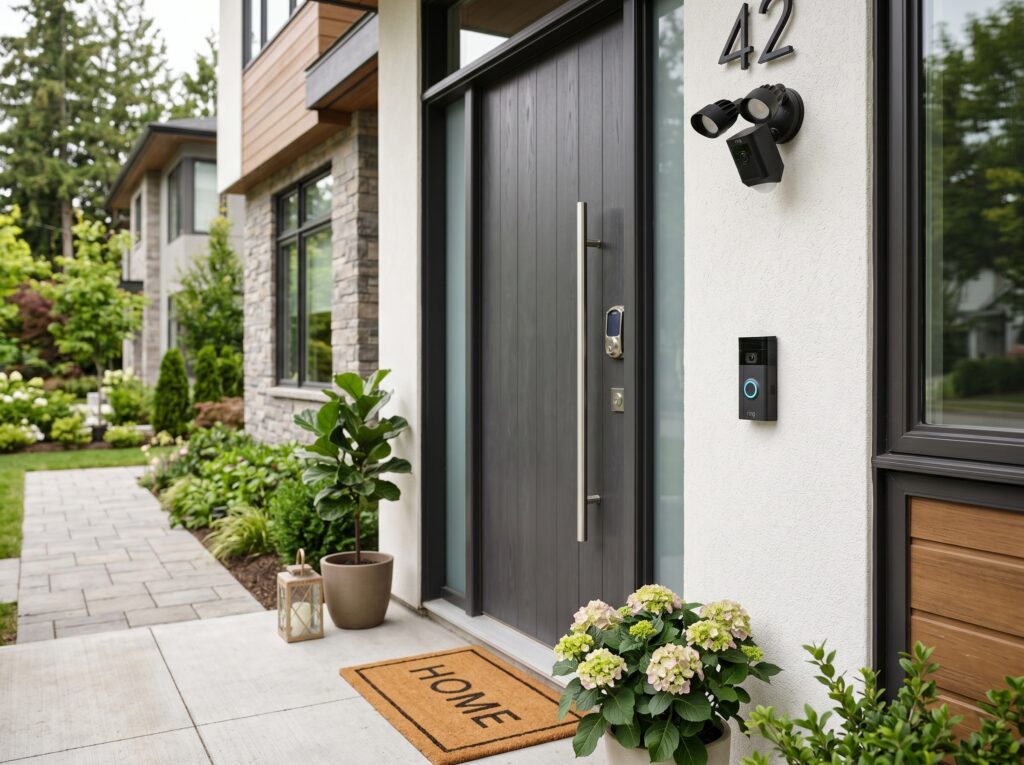
Smart locks give homeowners more ways to manage access, from keypad entry to connected systems with digital credentials, remote management and hands-free unlocking.
Start with the needs of the room, then consider the access method, connectivity and hardware requirements that fit the door. Planning a new interior door or replacing an existing one? Contact 1st Choice Door & Millwork to discuss your project and find the right door and hardware for your home.